Docs menuScreenshots and recordings
Screenshots and recordings
Screenshots
Press Print, or pick Screenshot in the launcher. Then choose a monitor, a window, or drag out an area.
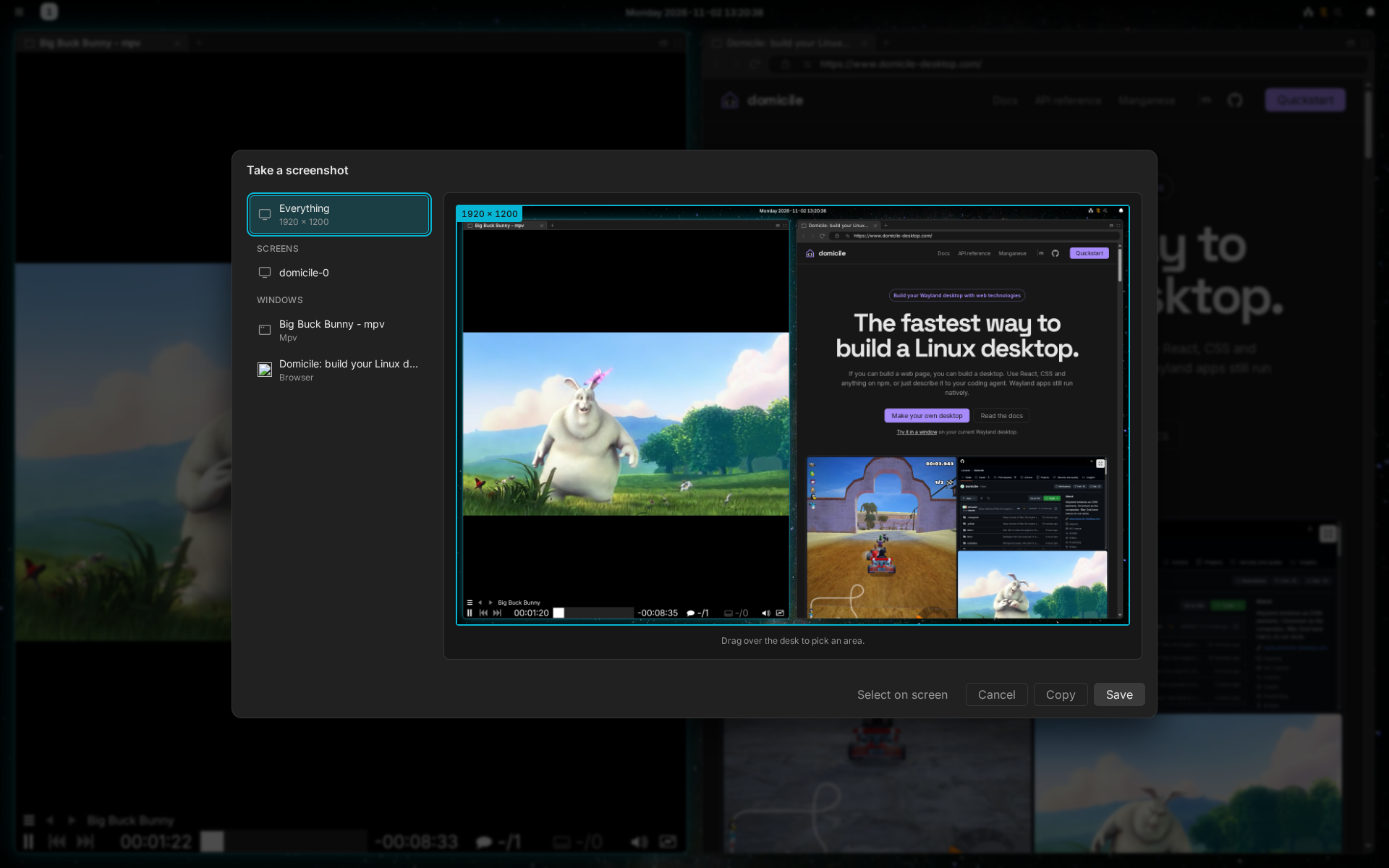
- The picture is saved in
Pictures/Screenshots. - Press Ctrl+C in the picker to copy it instead of saving it.
- From a terminal:
domicile screenshot.domicile screenshot <file>saves every monitor at once, without asking.
Recordings
Pick Screen Record in the launcher, or run domicile screen-record. Choose
a monitor, a window or an area, and it records, with its sound.
- A small toolbar pauses, resumes, stops or discards it. The toolbar is left out of the recording.
- The video is saved in
Videos/Screen recordings.
Sharing your screen
When an app or a site asks to share your screen, you pick what to share in the same picker. While it shares, a red pill in the top bar says so; click it to stop.
Neither works while the screen is locked.