Docs menuSettings and the config file
On this page5 sections
Settings and the config file
Everything you can set is in two places: the Settings app, and a config file. They are the same settings, so use whichever you like. Each guide page shows both.
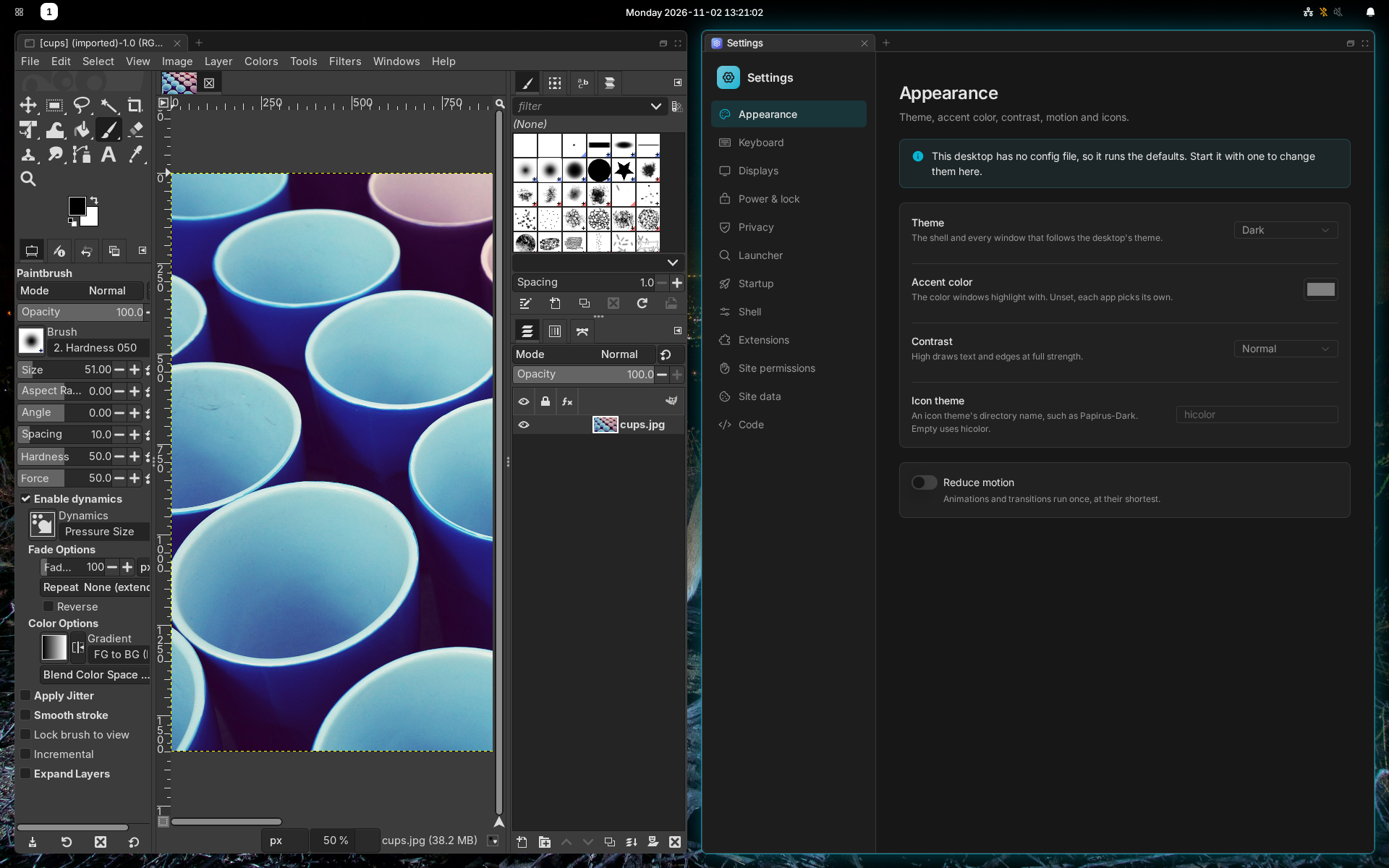
The Settings app
Open Settings from the launcher. A change applies at once and is saved to your config file.
| Page | What's there |
|---|---|
| Appearance | Theme, accent color, contrast, motion, icons |
| Keyboard | Layouts |
| Displays | Monitor profiles |
| Power & lock | Blank and lock when away |
| Privacy | What apps are asked not to do |
| Launcher | Files left out of the search |
| Startup | Apps to start when you log in |
| Shell | Manganese's own options: the clock, night light and brightness |
| Extensions | Browser extensions |
| Site permissions, Site data | What sites may do and store |
| Code | The config file, in a text editor |
The config file
~/.config/domicile/domicile.json. The desktop reloads it when you save;
windows stay open.
{ "$schema": "https://domicile-desktop.com/config.schema.json", "shell": "@domicile-desktop/manganese", "theme": { "mode": "dark" }, "idle": { "blank_after_seconds": 600, "lock_after_seconds": 900 }}$schemalets your editor complete and check it.- A mistake is logged, and the last good settings stay.
domicile check-config ~/.config/domicile/domicile.jsonchecks it.- If the file is read-only, as with home-manager, Settings shows it but can't change it.
A config module
Keys, the top bar and floating rules are set in code. Rename the file to
domicile.tsx and export the settings and the shell:
import { runManganese } from "@domicile-desktop/manganese";export const theme = { mode: "dark" };export const Shell = runManganese({ // keybindings, bar, floating, applications, wallpapers});- Each export other than
Shellis a section of the JSON. - Settings shows what it evaluates to, and its Code page edits it.
Home-manager
On NixOS, programs.domicile.settings writes the file:
programs.domicile.settings.theme.mode = "dark";programs.domicile.configDirectory = ./domicile; builds a config module
instead. See The config file.
Keyboard layout
Open Settings, then Keyboard. Set the Layout, such as us or
de, and the Variant, such as dvp or colemak. Options takes xkb
options such as caps:escape.
To switch between layouts, add a keymap for each under New keymap. The desktop starts on the first.
With more than one keymap, the top bar shows which you are on. Click it to switch.
Start apps when you log in
Open Settings, then Startup, and Add a command.
These run once when you log in, not when you save. Apps in
~/.config/autostart start too.
Privacy
Open Settings, then Privacy. Each switch asks apps not to use the camera, the microphone, your location, sound, printing, saving files or opening other apps.
Apps that support this follow it. It doesn't stop an app that ignores it.
Every setting, in full: The config file.