Docs menuThe top bar
The top bar
A clear bar across the top of each monitor.
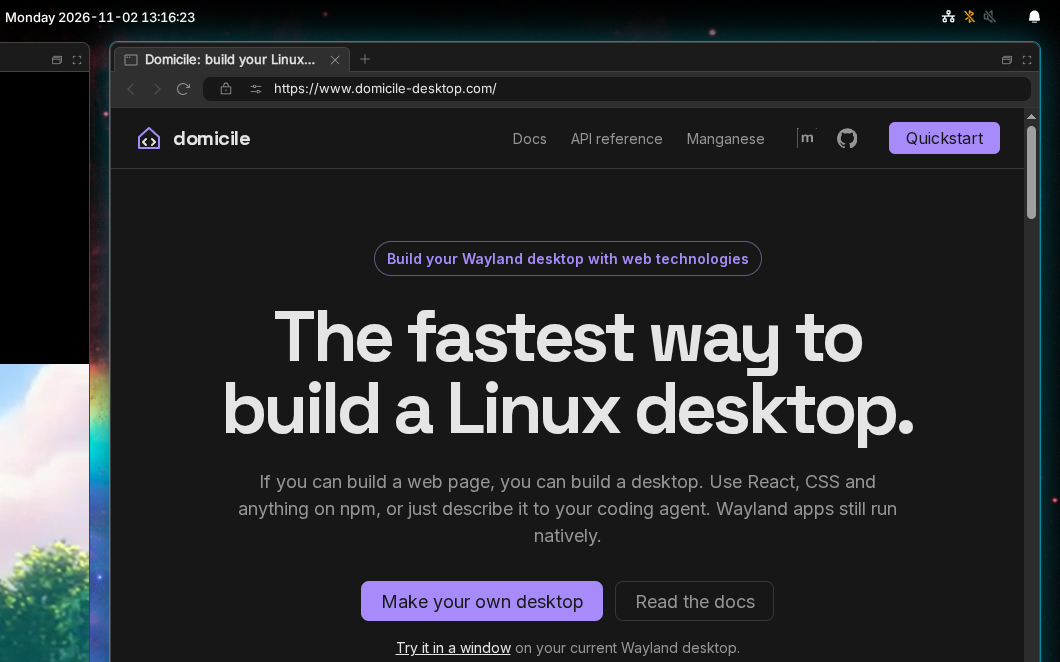
From left to right:
- Launcher button: opens the launcher.
- Tray: icons from running apps and from browser extensions. Drag them to reorder. Right-click an app's for its menu.
- Workspaces on this monitor that have windows, and the one shown. Click one to go there.
- Clock, in the middle.
- Sharing: a red pill while an app records or shares your screen. Click it to see who, and stop them.
- Cast: while a TV is nearby. See Casting.
- Keymap: with more than one keyboard layout. Click to switch.
- Theme: switches light and dark.
- Eye: click to keep the screens on; it opens while they are kept on.
- Brightness: a slider, and the night light. Scroll over it to step.
- Volume: scroll to step, middle-click to mute, click for the mixer: outputs, inputs, each app's sound and each card's profile.
- Bluetooth: switch it, and connect, pair or forget devices.
- Network: Wi-Fi networks to join, and each connection's details. Joining a network with a sign-in page shows that page.
- Battery: the level, red at 10%.
- Bell: notifications.
Items for hardware you don't have, such as a battery or Bluetooth, don't show.
The clock
Open Settings, then Shell. Pick a 12- or 24-hour clock, and whether it shows seconds.
Change what it shows
The bar's items are set in a config module,
in three columns: left, center and right.
To keep the default items and add one, start from DEFAULT_BAR. This puts
the battery at the start of the right column:
import { DEFAULT_BAR, runManganese } from "@domicile-desktop/manganese";import { Battery } from "@domicile-desktop/manganese-bar-module-battery";export const Shell = runManganese({ bar: { ...DEFAULT_BAR, right: [<Battery key="battery" />, ...DEFAULT_BAR.right], },});To choose every item yourself, list them all:
import { runManganese } from "@domicile-desktop/manganese";import { Clock } from "@domicile-desktop/manganese-bar-module-clock";import { Tray } from "@domicile-desktop/manganese-bar-module-tray";import { WorkspaceSwitcher } from "@domicile-desktop/manganese-bar-module-workspace-switcher";export const Shell = runManganese({ bar: { left: [<Tray key="tray" />, <WorkspaceSwitcher key="workspaces" />], center: [<Clock key="clock" />], right: [], },});There are also items for a Gmail inbox and Google Messages, and you can write your own in React. Gmail and Google Messages can go in the bell's panel instead (Inboxes). The full list: TOP-BAR.md.